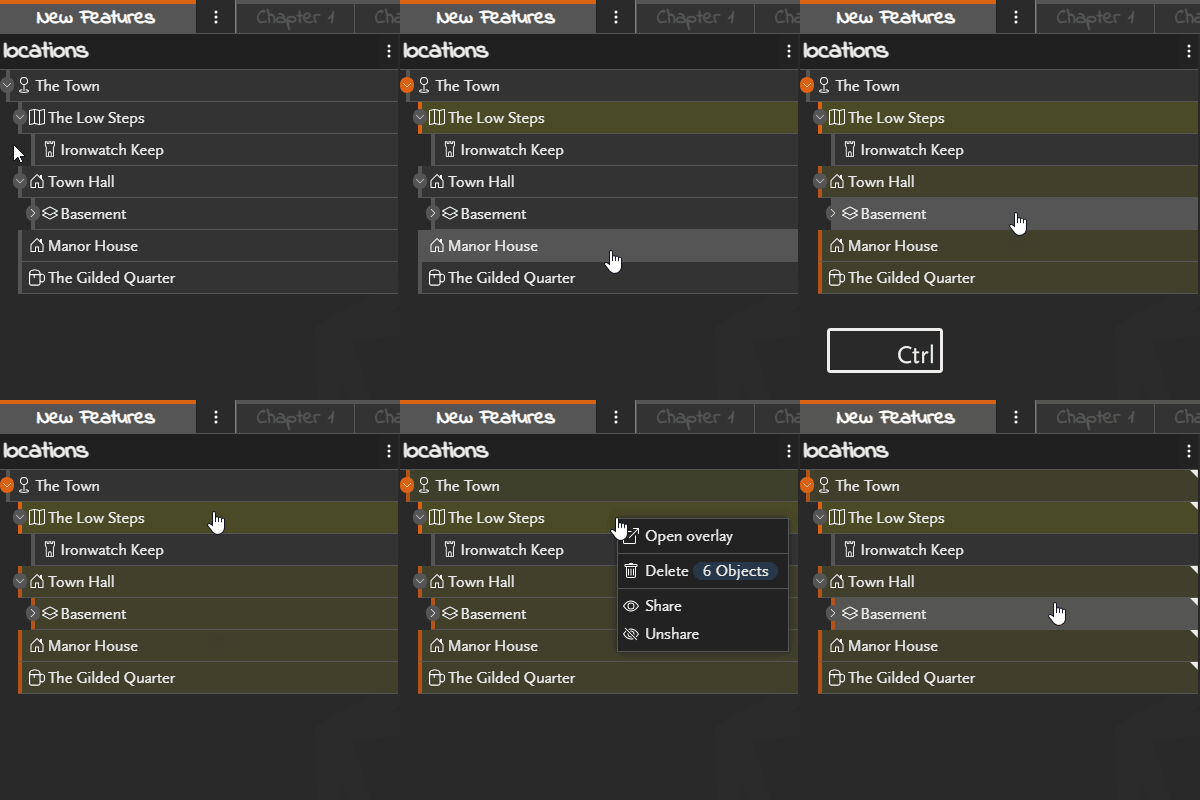
You can now select multiple objects at once, making it much quicker to perform actions on groups of objects instead of handling them one at a time.
To select multiple objects, use the standard keyboard shortcuts:
- Shift to select a range of objects.
- Ctrl (or Cmd on macOS) to select individual objects.
Multi-select currently supports:
- Deleting objects
- Sharing or unsharing objects
- Linking or unlinking objects from chapters
Additional actions may gain multi-select support in future updates.