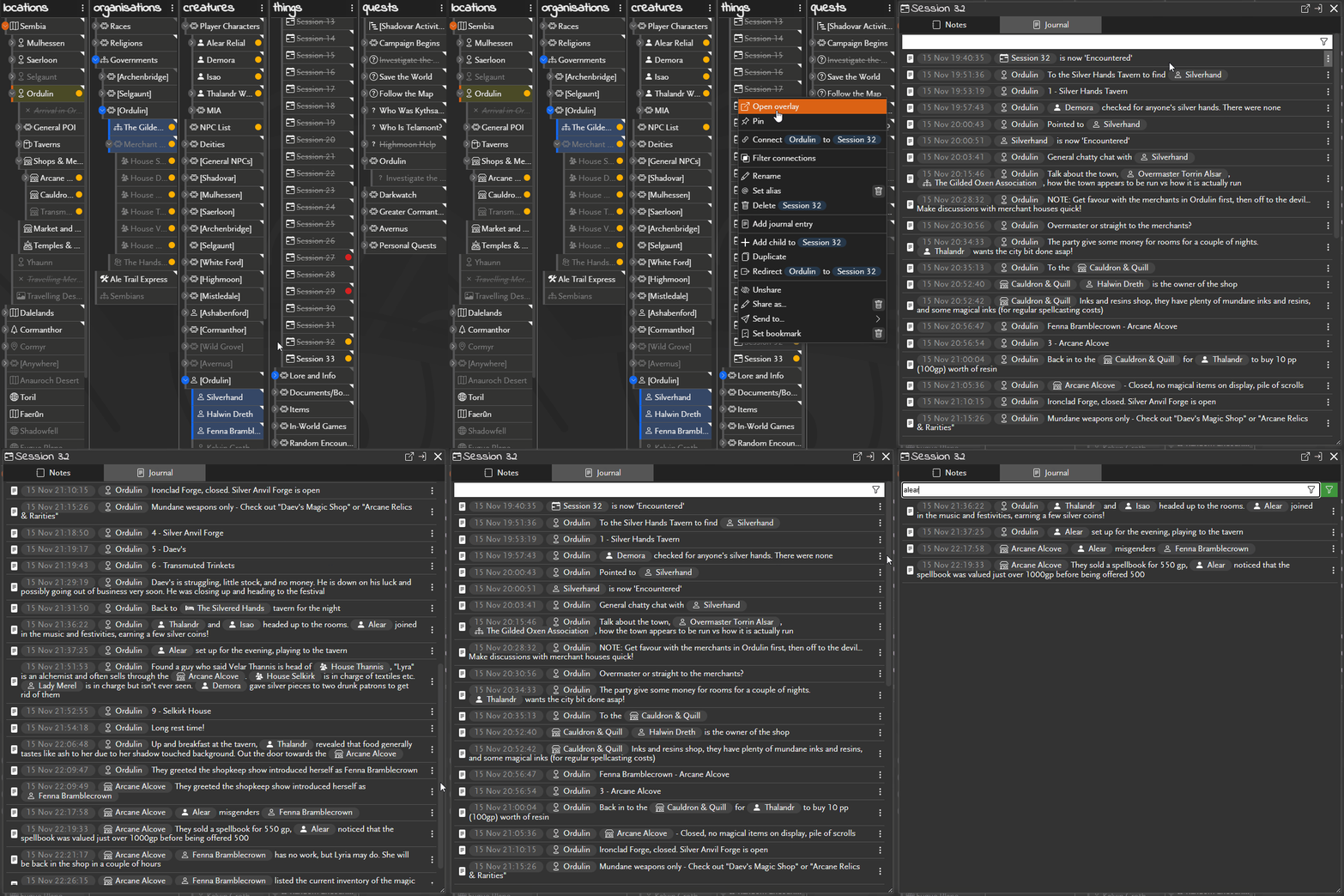
You can now view journal entries from across your campaign within the timeline of a specific object. When enabled, this displays all journal entries made on any object between the first and last journal entries of the selected object.
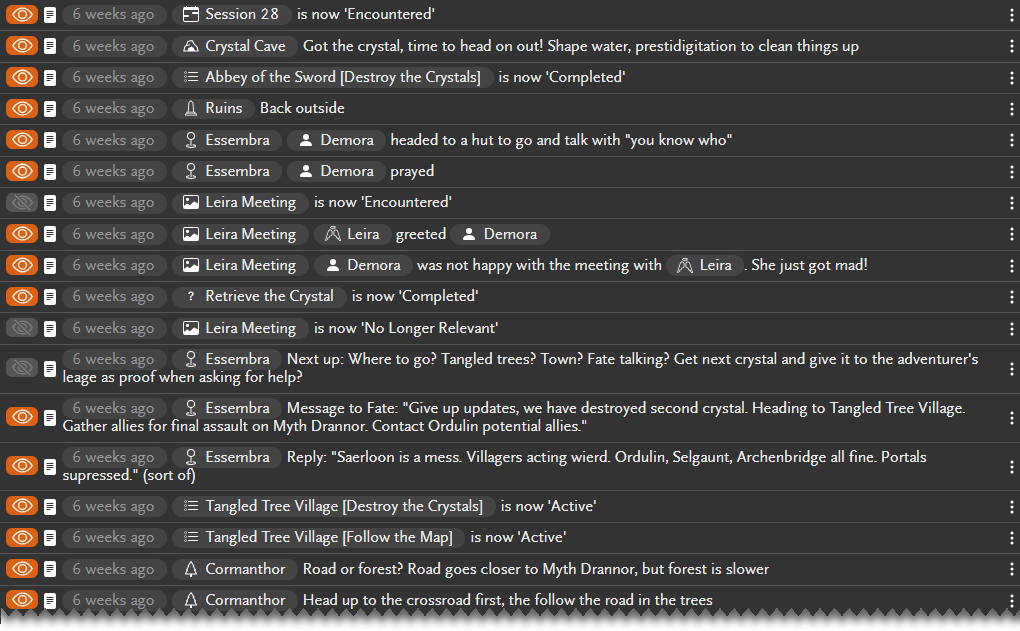
This is particularly useful for tracking game sessions. For example, you might have a separate object for each session, adding a journal entry when the session starts and another when it finishes. Opening that session object will then show all the journal activity that took place during that session, regardless of which objects those entries were added to. Journal entries remain on their original objects, this simply gives you another way to view them in context.
The journal is visible both in the object details panel and overlay, so you can refer back without changing your current selection.
To enable, select the calendar button in the journal header menu. This toggles between the default mode and the new date filtered journal for this object.

It’s not just useful for session logs, either. You could use it to track everything that happened between starting and completing a quest, or between entering and leaving a particular location for example.