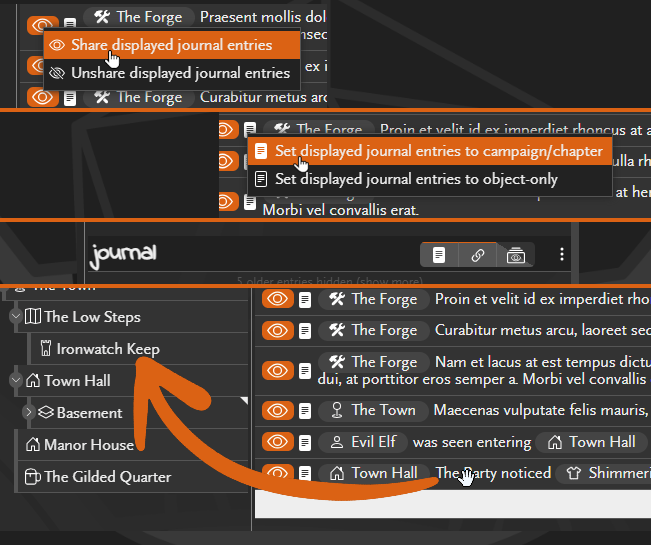
Today’s update sees a few updates around journal usability.
Quickly share or unshare all displayed journal entries
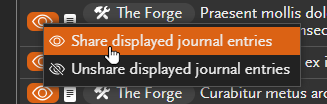
Right-click the sharing buttons on journal entries to find the new options to share and unshare all displayed entries.
This affects all journal entries currently shown, which includes those scrolled out of view but not any entries you need to click “show more” to see.
Quickly set all displayed journal entries to visible at campaign or object level
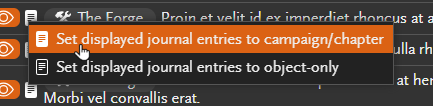
Similar to sharing and unsharing, right-click the entry visibility buttons to find the options to set all displayed entries to campaign-level or object-level.
This affects all journal entries currently shown, which includes those scrolled out of view but not any entries you need to click “show more” to see.
New options menu in the journal header

This is a new menu in the journal header with a few options:
 Campaign log mode is now in the journal header menu
The Campaign log mode option has moved from below the journal into the new journal header menu.
 Connection log mode is an independent option
Previously when campaign log mode was enabled, adding or deleting connections would also add a journal entry to log the change. This is now an independent option that can be enabled or disabled regardless of the log mode setting.
 Journal entry initial sharing state option
There is now an option to control the initial sharing state of new journal entries. Can be set to either Shared, Unshared, or Match object sharing. Match object sharing matches the previous behaviour where new journal entries are shared when the object is shared and unshared when the object is unshared.
Drag to move journal entries to a different object
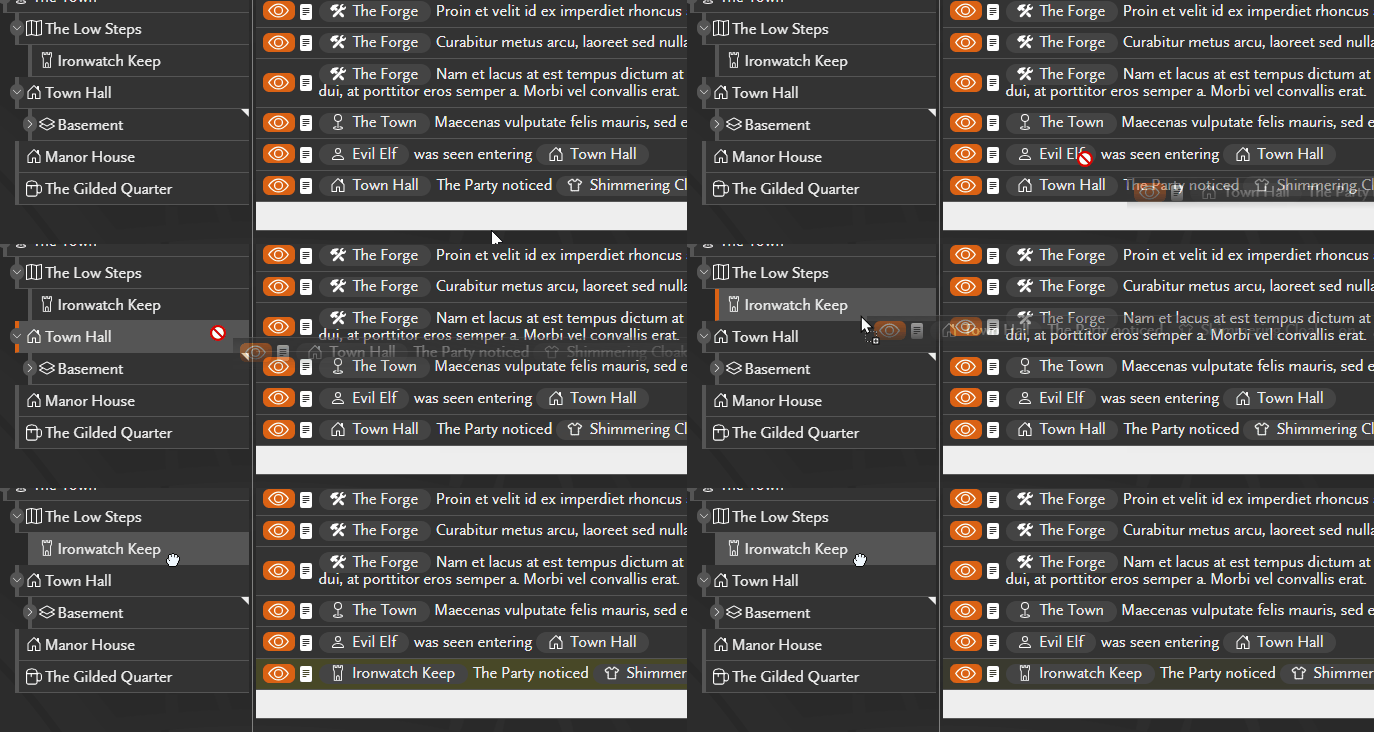
Journal entries can now be dragged to move them to different objects. If you find you have created entries against the wrong object, you can now easily move them instead of recreating them under the correct object.